Quick Answer
For most readers, the best starting point is not the tool with the longest feature list. Start with the workflow you repeat every week, test one tool against a real task, and only upgrade when the result saves time, improves quality, or makes the process easier to manage.
How to Use This Guide
- Use the quick picks or comparison tables to shortlist tools.
- Read the workflow sections before signing up for paid plans.
- Check pricing limits, privacy controls, export options, and team permissions.
- Run a small pilot with real work before replacing an existing tool.
- Keep human review in the workflow when AI creates customer-facing content, advice, code, or analysis.
Overview
TikTok content creation tools help brands and creators plan hooks, write short scripts, edit vertical videos, add captions, follow trends, and publish consistently. AI is useful because TikTok rewards fast testing, clear hooks, and frequent iteration.
Semrush keyword data shows demand for "TikTok content creation tools," "TikTok AI tools," and related AI phrases. This guide focuses on practical tools that support a repeatable TikTok workflow.
Quick Comparison
| Tool | Best For | TikTok Workflow |
| CapCut | Editing | Templates, captions, trends, quick cuts |
| ChatGPT | Ideas and hooks | Scripts, hooks, captions, content angles |
| Canva | Visual templates | Vertical graphics and simple video assets |
| Descript | Repurposing | Turn long content into shorter clips |
| InShot | Mobile editing | Fast cuts, text overlays, simple effects |
| VN Editor | Mobile video | Clean edits and timeline control |
| Pictory | Blog-to-video | Repurpose written content |
| Buffer or Later | Scheduling | Plan and schedule short-form content |
What TikTok Content Needs
Good TikTok content usually needs:
- A strong first 2 seconds
- One clear idea
- Fast pacing
- Captions
- Native-feeling editing
- A simple call to action
- A reason to save, share, or comment
AI can help generate ideas, but your best content still needs real observation and platform fit.
Best Tools
CapCut
CapCut is the most practical first tool for TikTok editing. It supports templates, captions, quick cuts, sound trends, and mobile-friendly workflows.
ChatGPT
ChatGPT helps generate hooks, scripts, caption variations, and content ideas.
Prompt example:
"Create 20 TikTok hooks for [topic] aimed at [audience]. Keep each under 12 words and include one visual idea."
Canva
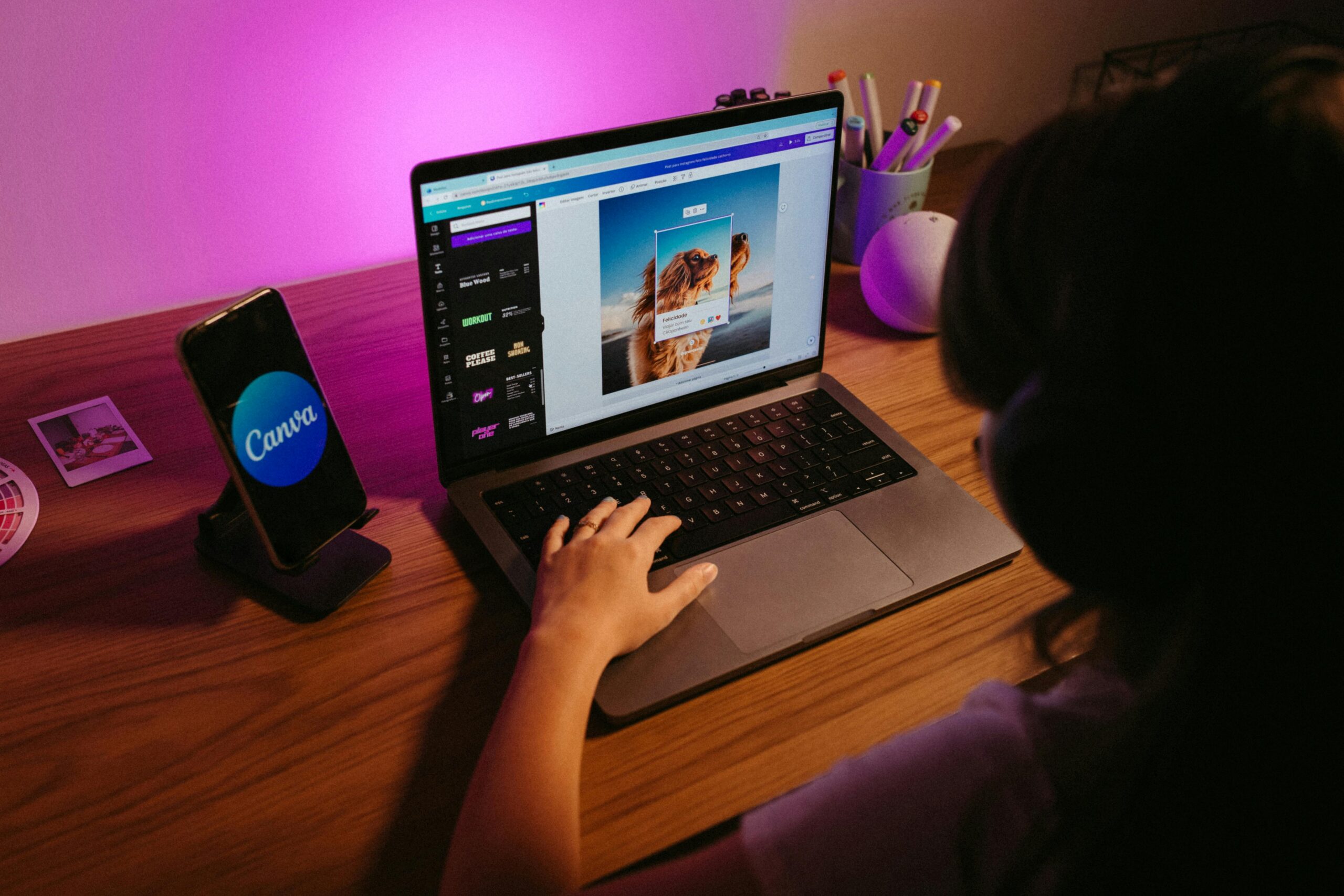
Canva is useful for branded vertical templates, overlays, thumbnails, and simple animated assets.
Descript
Descript is useful for repurposing podcasts, webinars, interviews, or YouTube videos into TikTok clips.
InShot
InShot is a simple mobile editor for trimming, transitions, overlays, and quick exports.
VN Editor
VN Editor gives creators more control while staying beginner-friendly.
Pictory
Pictory can turn longer written or video content into shorter social-ready assets.
Buffer or Later
Scheduling tools help keep a posting rhythm and organize experiments.
One-Week TikTok Workflow
- Pick one theme.
- Generate 20 hooks with AI.
- Choose 5 hooks.
- Script 15 to 30 second clips.
- Batch record in one session.
- Edit in CapCut.
- Schedule or post consistently.
- Track views, watch time, saves, and comments.
Common Mistakes
- Making intros too long
- Copying trends without adapting them
- Posting without captions
- Using generic AI scripts
- Trying too many formats at once
- Ignoring retention signals
Related SmartBizTools Guides
- AI Video Editing Tools
- Instagram Reels Tools
- YouTube Growth Tools
- AI Caption Generator Tools
- AI for Content Marketing
Final Recommendation
Use TikTok content creation tools to build a repeatable testing system. Start with ChatGPT for hooks, CapCut for edits, Canva for visuals, and a scheduler for consistency.
Reader Decision Checklist
Before choosing a tool from this guide, answer these questions:
- What weekly task should this tool improve?
- Who owns setup, prompts, templates, and review?
- What data will the tool need, and is that data safe to upload?
- Which current subscription could it replace?
- What result will prove the tool is worth keeping after 14 days?
FAQ
What is the best way to choose TikTok content creation tools?
Choose based on one repeatable workflow, not the longest feature list. The best option should save time, improve output quality, or reduce manual follow-up without creating new privacy, cost, or review problems.
Are free AI tools enough for small businesses?
Free plans are often enough for testing, drafting, and simple workflows. Paid plans usually matter when you need higher usage limits, team features, integrations, privacy controls, or commercial exports.
What related keywords should this post cover?
This post should naturally cover TikTok AI tools, AI tools for TikTok content creation, TikTok video tools alongside the primary keyword. Use related terms in headings, comparison tables, FAQs, and internal links where they help the reader.