
Zapier Pricing, Features & Alternatives | SmartBizTools
Automation · Freemium

Zapier

Zapier is a Automation tool for teams that want to improve connecting apps without custom code. Compare pricing, features, pros, cons, and alternatives.

Project Management Team Collaboration Workflow Automation
SmartBizTools Score
0/5
Automation
4.7/5 Score
Freemium Pricing
Automation Category

Features & Use Cases

Key Features
  • App integrations
  • Workflow builder
  • Triggers and actions
  • Conditional logic
  • Data transfer automation
  • Monitoring and error handling
Primary Use Cases
  • Project Management
  • Team Collaboration
  • Workflow Automation

Pros & Cons

✅ Strengths
  • Saves time on repetitive business processes
  • Connects tools that otherwise stay siloed
  • Can reduce errors from manual copying
  • Useful across marketing, sales, operations, and support
  • Scales small teams without immediate engineering work
⚠️ Tradeoffs
  • Complex automations need careful testing
  • Costs may grow with task volume
  • Bad data creates bad automation outcomes
  • Error handling and monitoring are important
  • Not every workflow should be automated

Full Review

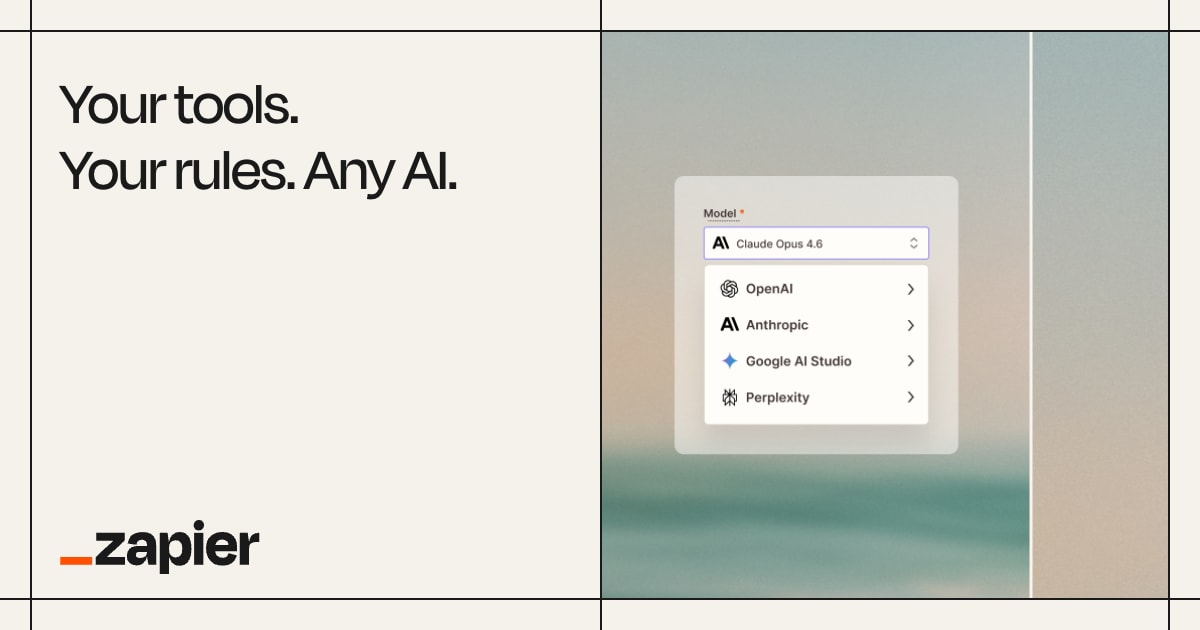
Zapier review cover image for Automation
Zapier review, pricing, features, pros, cons, and alternatives for business users.

Zapier Review: Is It Worth Using?

Zapier is best understood as a workflow automation and integration platform. In the Smart Business Tools directory, it sits in the Automation category and is most relevant for Project Management, Team Collaboration, Workflow Automation. This review replaces the generic placeholder description with a practical buying guide for teams that want to know where Zapier fits, when it is worth paying for, and what to compare before choosing it.

The short answer: Zapier is worth evaluating when your team needs help with connecting apps without custom code, automating repetitive tasks, or moving data between systems. Its listed starting price is Free (100 tasks/mo) / From $29.99/mo, and its SmartBizTools rating is 4.7/5. You should still confirm the latest plan limits and pricing on the official vendor site before purchasing because software pricing and feature availability can change.

For broader discovery, you can also browse our AI tools directory, compare more options in the AI tool comparison hub, or explore similar tools in Automation.

Quick Verdict

Zapier is a strong option for operations teams, founders, marketers, agencies, and RevOps teams that want a practical way to improve connecting apps without custom code. It is not just another tool to add to the stack; its value depends on whether it removes a real bottleneck in your existing workflow. If your current process is slow, manual, inconsistent, or too dependent on one specialist, Zapier can be worth testing.

Primary categoryAutomation
Best fitTeams with repeatable workflows across multiple apps that create manual work or delays.
Starting price listedFree (100 tasks/mo) / From $29.99/mo
SmartBizTools rating4.7/5
Main buying reasonConnecting apps without custom code
Watch-outComplex automations need careful testing

Who Zapier Is Best For

Zapier is most useful for users who already have a repeatable workflow and need a faster, cleaner, or more scalable way to execute it. It is especially relevant for teams working in Project Management, Team Collaboration, Workflow Automation and businesses in areas such as Agencies, Remote Work, SaaS.

  • Small business owners who need practical software that produces measurable time savings.
  • Marketing and content teams that want faster output without losing quality control.
  • Freelancers and agencies that need repeatable workflows, client-ready outputs, and clearer delivery systems.
  • Growing teams that want a tool they can adopt now and expand later if the workflow proves valuable.

Key Features

The most important features are not just the longest checklist items. They are the functions that directly affect speed, quality, and repeatability. For Zapier, the feature set should be judged around how well it supports real business use rather than how impressive it looks on a pricing page.

  • App integrations
  • Workflow builder
  • Triggers and actions
  • Conditional logic
  • Data transfer automation
  • Monitoring and error handling

Strengths

The main advantage of Zapier is that it gives users a clearer path from task to output. Instead of forcing teams to build every process manually, it can help standardize the work and reduce friction. This is especially valuable when a team repeats the same type of task every week.

  • Saves time on repetitive business processes
  • Connects tools that otherwise stay siloed
  • Can reduce errors from manual copying
  • Useful across marketing, sales, operations, and support
  • Scales small teams without immediate engineering work

Limitations

No business tool is a perfect fit for every workflow. Zapier should be tested against your actual process, not evaluated only from screenshots or feature lists. Pay attention to setup effort, plan limits, collaboration needs, export options, and whether the team will actually use it after the first week.

  • Complex automations need careful testing
  • Costs may grow with task volume
  • Bad data creates bad automation outcomes
  • Error handling and monitoring are important
  • Not every workflow should be automated

Pricing Notes

The pricing listed in this directory is Free (100 tasks/mo) / From $29.99/mo. Treat this as a starting point for evaluation, not a final quote. Before committing, check whether the plan includes the limits your team needs, such as seats, exports, credits, storage, automation volume, integrations, analytics, or commercial usage rights.

A good pricing test is simple: estimate how many hours Zapier could save each month, multiply that by your internal hourly cost, and compare the result with the monthly subscription. If the tool does not save time, improve quality, increase revenue, or reduce operational risk, it may not be worth upgrading yet.

Best Use Cases

Zapier is strongest when it is attached to a specific job rather than used vaguely. The best implementation starts with one workflow, one owner, and one measurable outcome.

  • Primary workflow: Connecting apps without custom code.
  • Secondary workflow: Automating repetitive tasks.
  • Team workflow: Moving data between systems.
  • Scaling workflow: Reducing manual handoffs.

How to Evaluate Zapier

Do not evaluate Zapier by signing up and clicking around randomly. Use a small test project that represents the work you do every week. That makes the result easier to judge and prevents the team from being distracted by features that look useful but do not affect business outcomes.

  1. Choose one recurring workflow that currently wastes time or creates inconsistent output.
  2. Run the same workflow using your current process and then using Zapier.
  3. Compare time saved, output quality, review effort, and team adoption.
  4. Check whether the tool integrates with the systems your team already uses.
  5. Only upgrade if the tool improves the workflow enough to justify the cost.

Alternatives and Internal Comparisons

If Zapier is close but not a perfect fit, compare it with similar tools before committing. Relevant alternatives in the Smart Business Tools directory include Make, Notion, Trello, and Asana. These internal comparisons help you avoid choosing a tool only because it is popular; the better choice is the one that fits your workflow, budget, and team maturity.

SEO and Business Value

From a business-growth perspective, Zapier is most valuable when it contributes to a measurable outcome: faster publishing, better customer communication, cleaner operations, more reliable reporting, higher conversion rates, or reduced manual work. A tool page or software subscription is not valuable by itself; the value comes from a repeatable process that your team can maintain.

For SEO-driven teams, the best approach is to connect Zapier to a content or operations workflow with clear internal links, search intent, and conversion goals. For example, if you use it to support content production, link the resulting pages to relevant tool reviews, category hubs, and comparison pages so users can keep exploring your site. Start with the main AI tools hub and related Automation tools category page.

Final Recommendation

Zapier is a good candidate if you can name the exact workflow it will improve. It is less compelling if you are simply collecting tools without a clear use case. Start with a short trial, test one repeatable project, and decide based on speed, quality, adoption, and return on effort.

Bottom line: choose Zapier if its strengths match a real bottleneck in your business. Compare it with related tools, confirm pricing on the vendor site, and keep the evaluation focused on outcomes rather than feature count.

Frequently Asked Questions

What is Zapier used for?

Zapier is used for connecting apps without custom code, automating repetitive tasks, and related workflows in the Automation category.

Is Zapier good for small businesses?

Yes, Zapier can be useful for small businesses if it solves a specific workflow problem and the starting plan fits the budget. Small teams should test it on one recurring process before rolling it out broadly.

How much does Zapier cost?

The pricing listed in this directory is Free (100 tasks/mo) / From $29.99/mo. Always verify the latest pricing and plan limits directly with the vendor before buying.

What are the best alternatives to Zapier?

Good alternatives depend on your use case. Start by reviewing similar options such as Make, Notion, Trello, and Asana, then compare pricing, workflow fit, integrations, and team adoption.

Ready to try Zapier?

Visit the official site to explore plans, demos & free options.

Try Zapier →
Visit Zapier